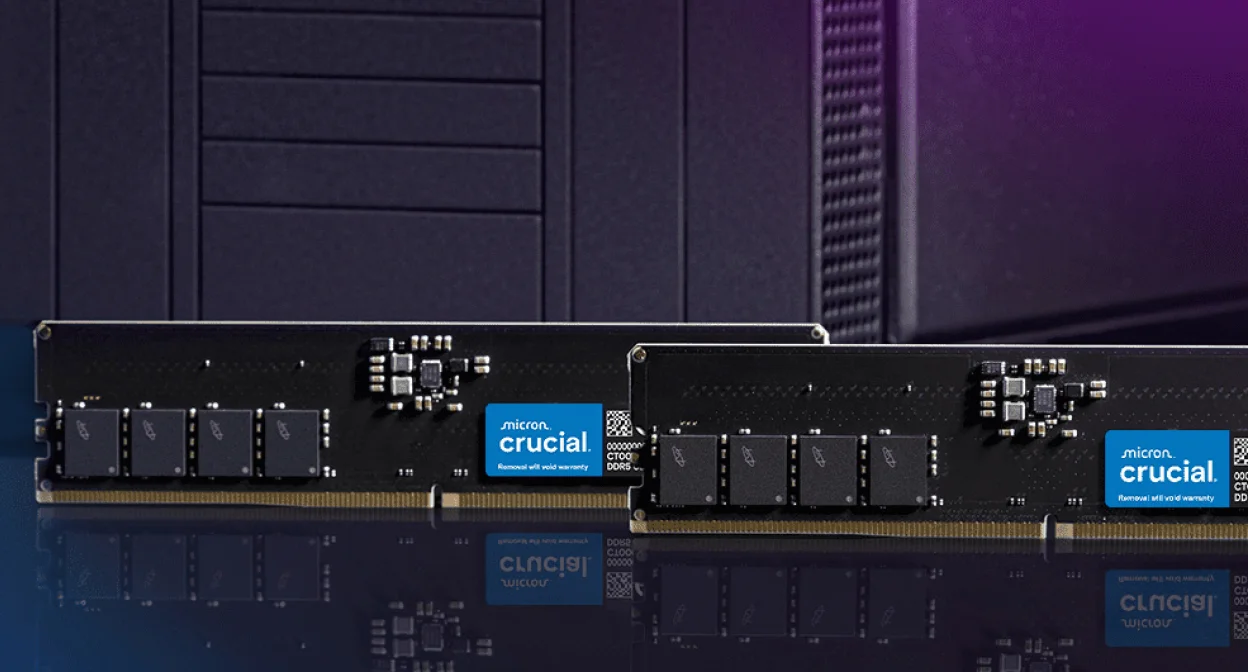
If a laptop feels slow in 2026, RAM is easy to blame. Sometimes that is correct: 8GB can run out of room once Windows, a browser, Teams, cloud sync and several heavy tabs are open. Sometimes RAM is not the real limit; a slow SSD, weak CPU, hot chassis or cramped GPU can be the part holding the machine back.
The practical answer is: 16GB is the minimum we would choose for most new main computers in 2026, 24GB or 32GB is the safer long-life tier, and 64GB or more is for people who can name the workload that needs it. This guide uses public requirements from Microsoft, Adobe, Docker, Apple, Steam and model-distribution sources, then turns them into a buying decision for UK laptops and desktops. PKH Computing is independent; our standards are on /about/ and /editorial-policy/.
How Much RAM Do You Need in 2026? Start With the Workload
AI-generated illustration — not a retailer product photo.
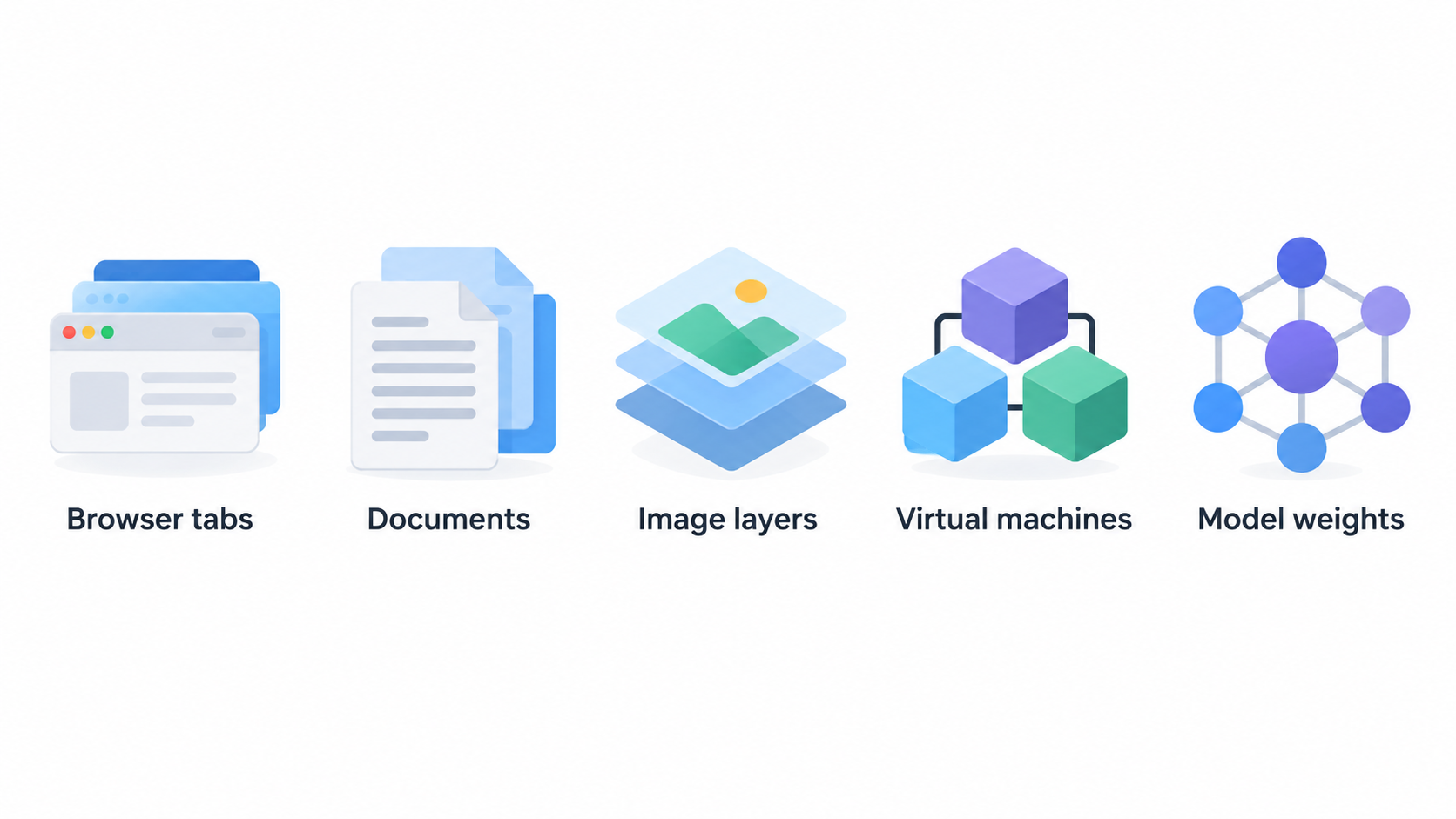
RAM is short-term working space. Storage keeps files when the computer is off; RAM holds active browser tabs, documents, game assets, code tools, image layers, video previews, virtual machines and model weights. A laptop with 1TB storage and 8GB RAM can hold many files but still feel cramped while multitasking.
Use this decision tree before looking at sale prices:
| Main use in 2026 | RAM tier to consider | Why |
|---|---|---|
| Light web, email, streaming, simple documents | 8GB only if budget-limited | It can work, but headroom is thin. |
| Web, office, study, video calls, many tabs | 16GB | The mainstream floor for a new main computer. |
| Student laptop kept for years, light creative work, casual gaming | 24GB or 32GB | More tolerant of browser, app and OS growth. |
| Gaming PC, coding, Photoshop, heavier multitasking | 32GB | Enough room for the app plus background load. |
| 4K video, large software projects, local AI, multiple VMs | 64GB | These workloads can hold tens of GB in memory. |
| Large datasets, heavy AI, lab VMs, workstation media | 96GB, 128GB or more | Buy only for a defined workload. |
8GB RAM: Only for Light, Cheap or Temporary Machines
Microsoft's Windows 11 specifications list 4GB RAM as the installation minimum, which explains why cheap 8GB PCs still exist. Minimum does not mean comfortable. The same Microsoft page lists 16GB DDR5/LPDDR5 for Copilot+ PCs, a clear signal that mainstream premium Windows laptops have moved beyond 8GB.
An 8GB laptop can still suit a child's homework machine, a spare travel laptop, streaming, simple browsing or a very low-cost Chromebook-style role. It is a weak choice for a new main Windows or macOS laptop for university, office work or several years of ownership. The UK trap is a large discount on a soldered 8GB model. If the memory cannot be upgraded, the saving needs to justify a shorter useful life.
16GB RAM: The Sensible Floor for Most Buyers
For most new laptops and desktops in 2026, 16GB is the baseline recommendation. It fits web and office work, university writing, research, video calls, light photo editing, casual gaming and normal multitasking without immediately forcing the system to swap to storage.
Adobe's current Photoshop technical requirements list 8GB as a minimum and 16GB or more as recommended on Windows and macOS. That matters because Photoshop is also a proxy for the common "I might edit photos sometimes" workload. If a laptop cannot meet the recommended memory for a mainstream creative app, it is not a strong long-term buy.
Valve's June 2026 Steam Hardware & Software Survey shows the gaming context: 16GB is the most common reported system RAM tier at 41.57%, with 32GB close behind at 36.79%. That does not prove every game needs 32GB, but it shows modern PC gaming has clustered around 16GB and 32GB, not 8GB. For related choices, see /best/best-student-laptops-uk-2026/ and /best/best-repairable-laptops-longer-ownership/.
24GB RAM: Useful When Soldered Memory Changes the Risk
The 24GB tier has become more visible because many laptops now ship with soldered LPDDR memory or unified memory options. It is not as traditional as 16GB or 32GB, but it can be a good middle ground when the jump to 32GB is expensive.
Choose 24GB when the rest of the machine is right: strong battery life, good display, low weight, enough storage and a fair UK price. It is especially reasonable for students, office workers, researchers, browser-heavy users and light creators who do not run virtual machines or heavy video projects. The caution is that many 24GB laptops are not upgradeable. Treat the capacity as final, especially on Apple silicon, where CPU and GPU share unified memory.
32GB RAM: The Long-Life Sweet Spot for Power Users
If you want a computer to feel comfortable for four or five years, 32GB is the tier to consider seriously. It is not mandatory for email and documents, but it is valuable for mixed workloads: many browser tabs, Teams or Discord, large spreadsheets, coding tools, image editing, game launchers, background cloud sync and occasional media work.
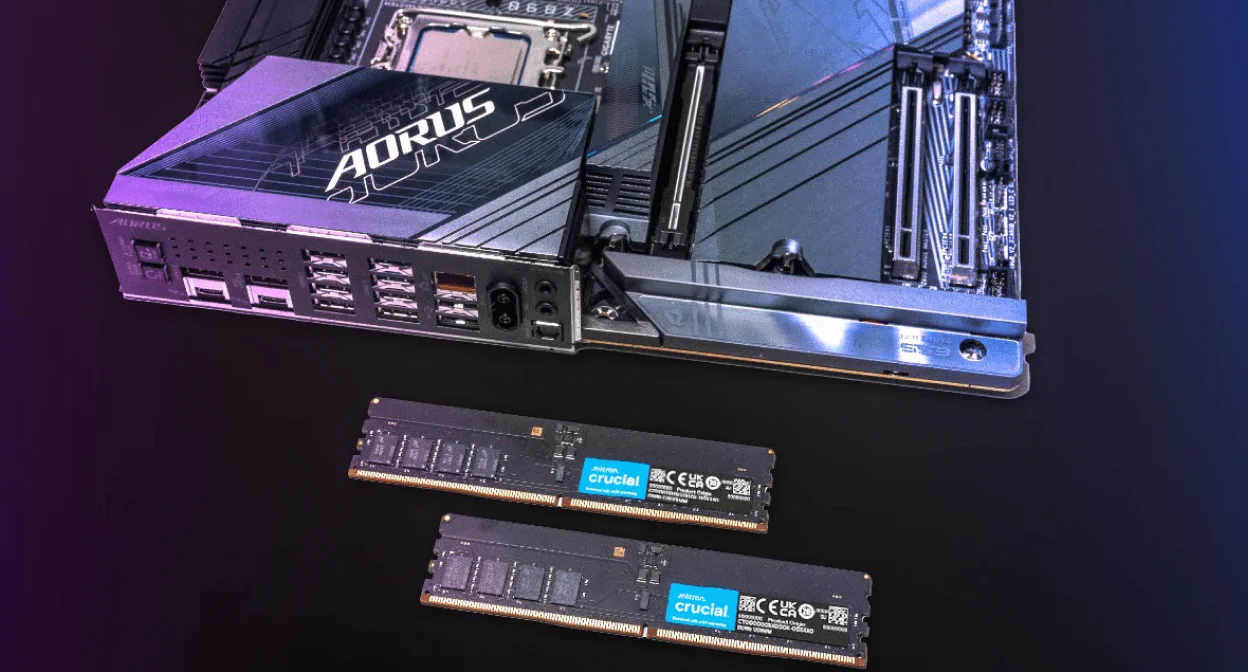
Adobe's Premiere Pro technical requirements list 8GB as a minimum, 16GB for HD media and 32GB or more for 4K and higher media. If you edit 4K video, work with high-resolution images or keep multiple creative apps open, 32GB is not indulgent; it is the practical tier before the workstation step.
Coding can also justify 32GB. A single editor is light. A real session may include Docker, WSL, a local database, browser documentation, a test runner and a design tool. Docker's Mac installation requirements list at least 4GB RAM just to install Docker Desktop, while Microsoft's Hyper-V requirements say the host needs enough memory for itself and every VM. That is why 16GB can feel tight once the rest of the day is open. For storage bottlenecks often confused with RAM problems, see /best/best-nvme-ssds-pc-upgrades/.
64GB RAM: Creative, AI, VM and Workstation Territory
64GB is for people who can describe the memory pressure before they buy: 4K or higher video timelines, large Lightroom or Photoshop batches, virtual-machine labs, development stacks with multiple containers, large codebases, data analysis and local AI experiments.
Local AI makes the scale visible. Ollama's Llama 3.1 model page lists an 8B model at 4.9GB and a 70B model at 43GB. Those are model sizes, not full system RAM requirements, but they show why the operating system, runtime, context and other apps need headroom. A 16GB laptop can experiment with smaller quantized models; 32GB is more comfortable for local assistant use; 64GB opens more room for larger models and multitasking.
Virtual machines have similar arithmetic. If the host needs headroom, one Linux VM gets 4GB to 8GB, a Windows VM gets more, and the browser plus IDE stay open, 32GB disappears quickly. 64GB is often where the user stops closing everything before starting the lab.
More Than 64GB: Buy for a Known Workload
96GB, 128GB and higher capacities belong to workstation use. They can be sensible for software teams running multiple local services, creators working with high-resolution media, researchers using large datasets, engineers using simulation tools, or AI users loading larger local models. They are not a normal laptop requirement for everyday computing.
Desktop buyers have more flexibility because memory can often be upgraded later. Laptop buyers need to be stricter. Some mobile workstations allow replacement; many thin laptops do not. If RAM is soldered, buying too little can shorten the useful life. Buying far too much can waste money that could have gone into a better panel, CPU, GPU, warranty or storage. For screen-related creative choices, see /versus/oled-vs-ips-monitors/.
Soldered, Upgradeable, Channels and Unified Memory
Upgradeable RAM is common in desktops and some repair-friendly laptops. Soldered RAM is common in thin laptops because it can save space and power, but it usually fixes the capacity for the life of the machine. Check the manufacturer's specifications and service documentation for words such as "soldered," "onboard," "LPDDR," "unified memory," "SODIMM," "LPCAMM2" or "user upgradeable."
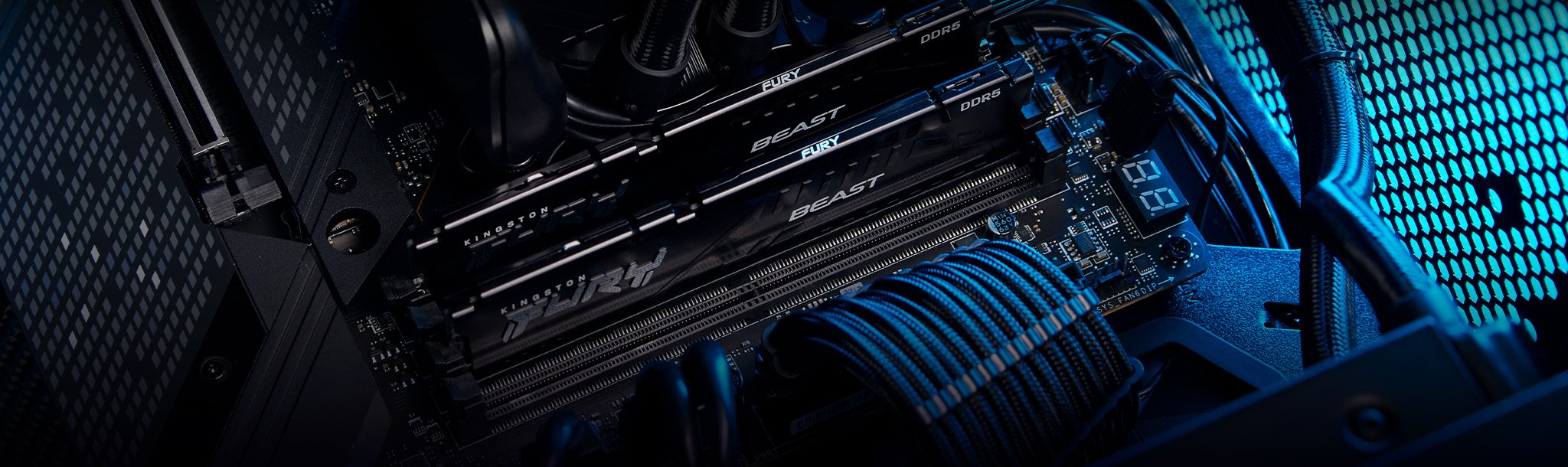
Channels matter most on desktops and laptops with replaceable modules. Two matched modules can provide more bandwidth than one module on many platforms. That can matter for integrated graphics because the GPU shares system memory. A desktop with one 32GB stick may have the right capacity but the wrong layout; two 16GB sticks are often cleaner when the motherboard supports dual-channel operation.
Unified memory, used by Apple silicon Macs and some other system-on-chip designs, is a shared pool for CPU, GPU and media engines. It can be efficient, but it is not magic. Apple's MacBook Air technical specifications show unified memory as a configurable part of the machine. Once bought, it is not a later DIY upgrade.
UK Laptop Buying Tradeoffs
UK buyers often see the biggest RAM penalty in configuration pricing. A base laptop may look attractive at 8GB or 16GB, while the jump to 24GB or 32GB is tied to a more expensive CPU or storage tier. Compare the full configuration, not only the RAM line.
Use this rule set: buy soldered 8GB only for light use or a short ownership window; accept soldered 16GB for mainstream use but check the 24GB or 32GB price; buy upgradeable 16GB only after confirming maximum capacity and slot layout; choose Mac unified memory at purchase because it cannot be upgraded later; and compare refurbished or previous-generation models with more RAM before buying a brand-new low-memory machine.
Practical Recommendations by User Type
For web and office, choose 16GB unless the budget forces 8GB. For study, choose 16GB for general coursework and 24GB or 32GB for computer science, design, engineering, media, data analysis or heavy browser research.
For gaming, choose 16GB for budget builds and 32GB for a new mid-range or higher desktop, with attention to memory channels. For coding, choose 16GB for light web development, 32GB for Docker, WSL, databases and larger projects, and 64GB if several VMs or services run together.
For creative work, choose 16GB for light Photoshop, 32GB for serious photo and 4K video work, and 64GB for heavier timelines, large batches or multi-app sessions. For local AI, choose 32GB for useful small-model experimentation and 64GB or more when larger models, long context or multitasking matter. For virtual machines, choose 32GB for one light VM and 64GB for several VMs or a lab environment.
FAQ
Is 8GB RAM enough in 2026?
It is enough only for light use: simple browsing, streaming, email and basic documents. It is not the tier we would choose for a new main Windows or macOS laptop unless the price is very low and the workload is modest. Soldered 8GB is the riskiest version because it usually cannot be upgraded.
Is 16GB RAM enough for gaming?
Yes, 16GB is still workable for many games, especially on a budget gaming PC with a dedicated GPU. The Steam June 2026 survey shows 16GB remains the most common reported RAM tier. For a new mid-range desktop, 32GB is safer because launchers, browsers, voice chat and background apps add load.
Do I need 32GB RAM for university?
Not for every course. Writing, browsing, PDFs and video calls are fine on 16GB. Choose 24GB or 32GB if the laptop is soldered and must last several years, or if the course involves coding, CAD, media editing, data analysis or many research tabs.
Is unified memory the same as normal RAM?
Unified memory is still memory, but it is shared by CPU, GPU and other parts of the system. It can be efficient because data does not always need to be copied between separate pools, but it is fixed at purchase on machines such as Apple silicon MacBooks. Do not assume a small unified-memory configuration removes the need for headroom.
Should I upgrade RAM or SSD first?
If the system runs out of memory during normal work, upgrade RAM first. If apps take a long time to launch, files copy slowly, or the machine still uses a hard drive or small old SSD, storage may be the better first upgrade. Many slow PCs need both enough RAM and a modern SSD.
Is 64GB RAM overkill?
For web, office, study and most gaming, yes. For 4K video, large development projects, local AI, multiple virtual machines and workstation workloads, 64GB can be practical. The test is whether you can name the apps and projects that will use it.
Sources and Editorial Notes
This guide uses public requirements and published hardware context rather than first-hand lab claims. Key references include Microsoft Windows 11 specifications, Adobe Photoshop and Premiere Pro requirements, Docker Desktop setup notes, Microsoft Hyper-V requirements, Steam's Hardware & Software Survey, Ollama's Llama 3.1 listing and Apple's MacBook Air specifications.
For more on how PKH Computing separates specifications, public evidence and editorial judgment, read our /editorial-policy/. Choose 16GB as the 2026 floor, buy 24GB or 32GB when the machine is soldered or long-term, and reserve 64GB plus for workloads that can genuinely use it.
Editorial information: Read our affiliate disclosure.