A monitor decision can look obvious until the same screen has to do two jobs. The display that makes a dark game look cinematic at midnight can make spreadsheets, code, browser tabs, and static app sidebars feel like a compromise by Monday morning. That is the real OLED vs IPS monitors decision: OLED is usually the more exciting display technology, while IPS is still the safer daily-driver choice for bright rooms, dense text, and long static work sessions.
Our editorial position is simple. Choose OLED when motion clarity, black levels, HDR scenes, and evening gaming matter more than static desktop duty. Choose IPS when text clarity, predictable brightness, warranty simplicity, and colour-critical work are the main reasons you are buying. PKH Computing's evidence rules and disclosure notes are explained in our editorial policy and about pages.
OLED vs IPS Monitors: Quick Verdict
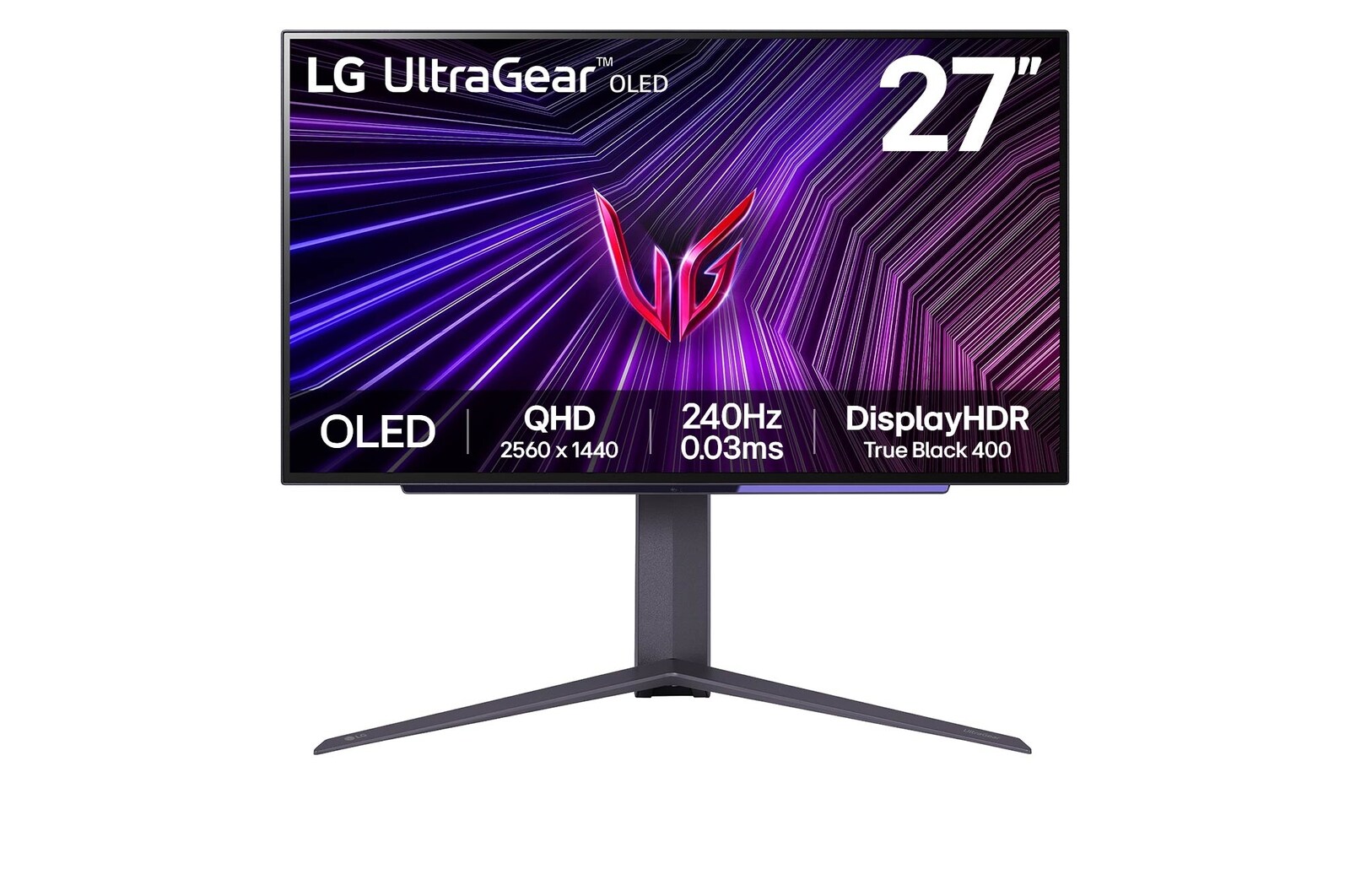
OLED wins the image-quality argument when you feed it the right content. Each pixel emits its own light, so black pixels can turn off instead of relying on an LCD backlight. That gives OLED monitors excellent perceived contrast, very fast response, and stronger HDR impact in dark scenes. Representative UK-available OLED choices include the LG UltraGear 27GS95QE-B, a 27-inch 1440p 240Hz WOLED model, and the Alienware AW3423DWF, a 34-inch 3440 x 1440 QD-OLED ultrawide.
IPS wins the ownership argument for many desks. It uses an LCD backlight and does not have OLED's same permanent image-retention risk, so it is easier to recommend for static windows, office suites, browser dashboards, and taskbars shown for hours. Representative IPS choices include the Dell UltraSharp U2723QE, a 27-inch 4K IPS Black USB-C hub monitor, and the ASUS ProArt PA279CRV, a 27-inch 4K creator monitor with wide gamut coverage and factory calibration.
At-a-Glance Comparison
| Decision point | OLED monitors | IPS monitors |
|---|---|---|
| Gaming motion | Usually excellent because response is near-instant; LG quotes 240Hz and 0.03ms GtG on the 27GS95QE-B | Depends heavily on refresh rate and overdrive; office IPS models such as U2723QE are not gaming-first |
| HDR and contrast | Strong for dark scenes, perfect-looking blacks, and no LCD blooming | Brighter full-screen SDR is common, but black levels and HDR contrast are weaker without Mini LED |
| Text clarity | Can show colour fringing on WOLED or QD-OLED subpixel layouts, especially at 1440p | Usually cleaner for text, especially 27-inch 4K IPS panels |
| Burn-in risk | Real risk with static UI over long periods, mitigated but not removed by OLED care features | No comparable OLED burn-in risk for static desktop work |
| Colour work | Wide gamut can be excellent, but brightness behaviour and static UI risk matter | Strong choice for editing when calibrated; ProArt PA279CRV claims 99% DCI-P3 and 99% Adobe RGB |
| Ownership | Check panel-care features, warranty wording, and workload habits | Easier for shared desks, office use, and long service life |
Current OLED Monitor Choices Worth Comparing
The LG UltraGear 27GS95QE-B is the straightforward OLED gaming reference for this comparison. LG's UK page lists a 27-inch QHD OLED panel, DisplayHDR True Black 400, 98.5% typical DCI-P3 coverage, 240Hz refresh, 0.03ms GtG response, HDMI 2.1, G-SYNC compatibility, and FreeSync Premium Pro. LG also describes OLED Care as a burn-in mitigation feature for static high-contrast images.
The Alienware AW3423DWF is a useful second OLED example because it shows a different type of buyer. Dell's UK listing describes a 34.18-inch curved Quantum Dot OLED monitor with 3440 x 1440 resolution, 165Hz over DisplayPort, DisplayHDR 400 True Black, 99.3% DCI-P3, 149% sRGB, 0.1ms grey-to-grey response, and a 3-year Advanced Exchange/Premium Panel Exchange bundle that includes OLED burn-in coverage. It is less of a sharp-text office monitor and more of a cinematic ultrawide gaming display.
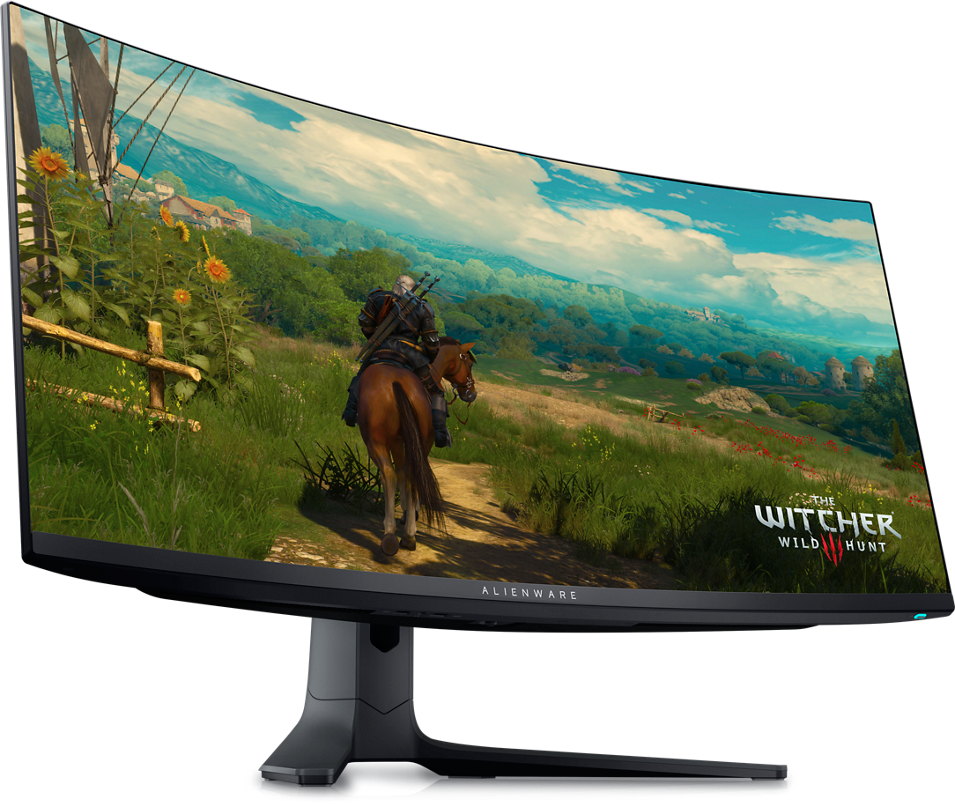
Independent evidence supports the broad pattern. RTINGS says the LG 27GS95QE-B has excellent PC gaming motion, deep blacks, and strong HDR picture quality, but also flags RWBG text clarity issues, VRR flicker in some scenes, and long-term burn-in risk with static elements. RTINGS reaches a similar shape of verdict for the Alienware AW3423DWF: excellent motion and dark-room performance, with colour fringing and bright-room black-level lift as practical drawbacks.
Current IPS Monitor Choices Worth Comparing
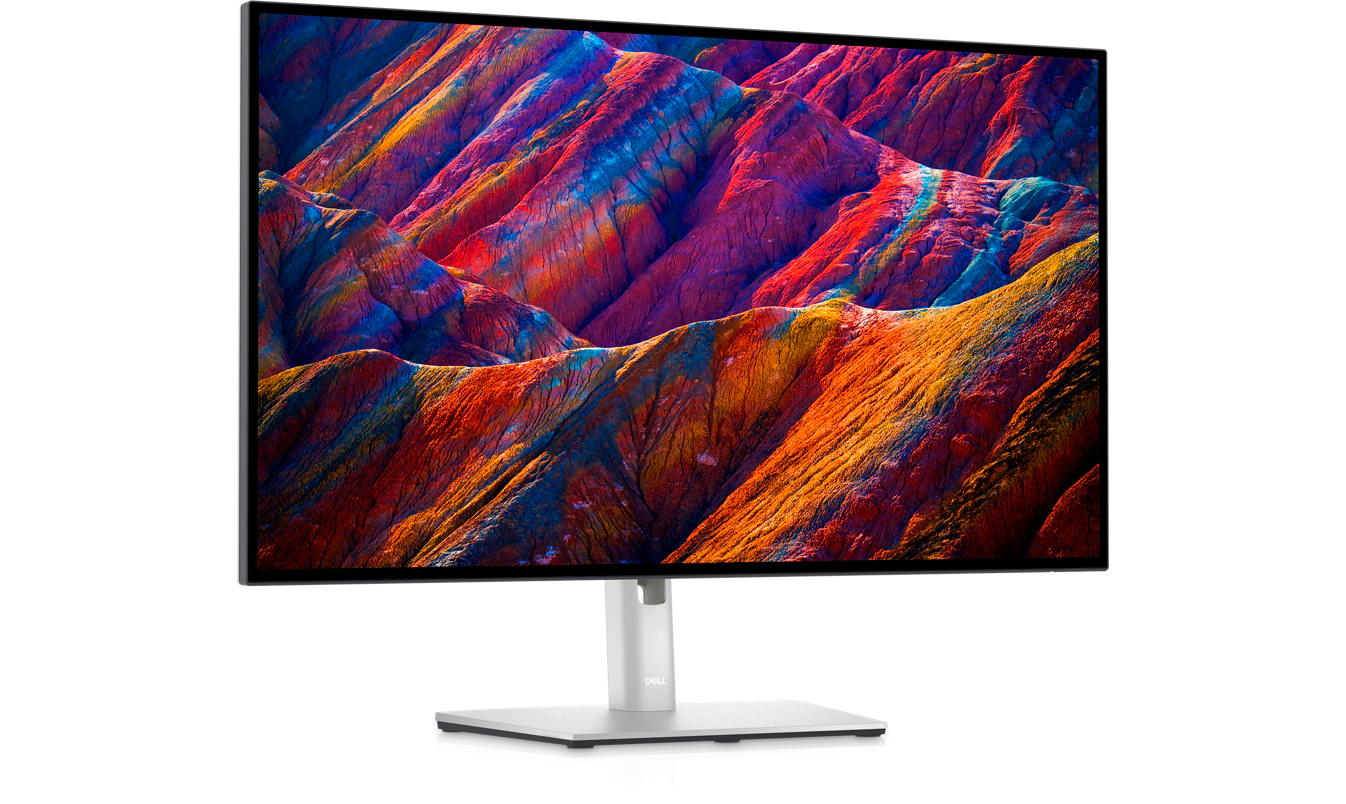
The Dell UltraSharp U2723QE represents the practical IPS office monitor. Dell's UK page lists a 27-inch 4K 60Hz IPS Black panel, 400 cd/m² brightness, 2000:1 contrast, 100% Rec.709, 100% sRGB, 98% DCI-P3, 90W USB-C power delivery, a USB hub, LAN, KVM-style workflow features, and a 3-year Advanced Exchange Service with Premium Panel Exchange.
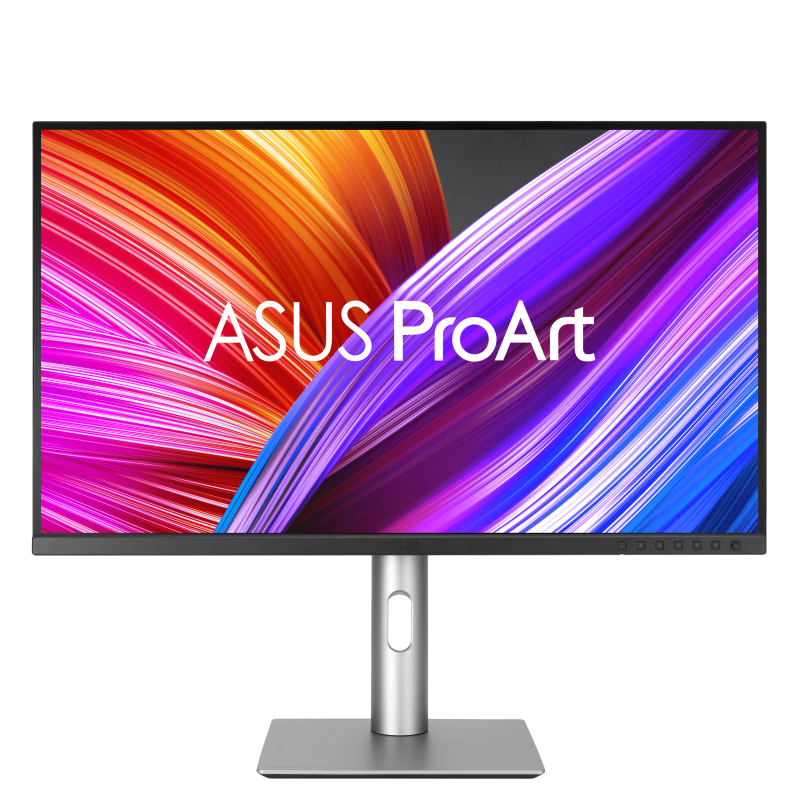
The ASUS ProArt PA279CRV is the more creator-specific IPS example. ASUS UK lists a 27-inch 4K IPS panel with 99% DCI-P3, 99% Adobe RGB, 100% sRGB, Calman Verified factory calibration, Delta E under 2, USB-C with 96W power delivery, DisplayHDR 400, and ergonomic adjustment.
RTINGS' U2723QE review is a good sanity check. It praises superb text clarity, office ergonomics, USB hub usefulness, and accuracy before calibration, while noting that motion blur, weak HDR highlight impact, and grey-looking blacks make it a poor substitute for an OLED gaming screen. This is a workload-specific decision, not a newer-panel-wins rule.
Gaming, Motion, and Input Feel
For gaming, OLED has the clearer technical advantage. A fast IPS panel can feel responsive, but an OLED pixel can transition so quickly that motion often looks cleaner at the same refresh rate. LG's official 27GS95QE-B spec combines 240Hz with 0.03ms GtG, and Dell lists 0.1ms GtG for the AW3423DWF. RTINGS describes the LG's response as near-instantaneous and says the Alienware produces extremely sharp motion.
OLED does not remove every caveat: VRR flicker can appear in darker scenes, and ultrawide OLEDs are awkward for consoles. PC-first gamers benefit most; office-first users with occasional games usually have an easier case for IPS.
HDR, Brightness, and Room Lighting
OLED's HDR appeal comes from contrast rather than raw full-screen brightness. In dark scenes, small highlights can sit beside true black without haloing, so games and films feel more dimensional. LG lists 1000 nits at its brightest for the 27GS95QE-B and DisplayHDR True Black 400; Dell lists 1000 cd/m² brightness and DisplayHDR 400 True Black for the Alienware. Read those figures by window size and real content, not as all-day full-screen brightness promises.
IPS is more predictable for desktop brightness. The Dell U2723QE's 400 cd/m² spec and the general behaviour of LCD backlights make it a steady work monitor for documents and browser windows. The tradeoff is black level: without local dimming, dark-room blacks look grey next to OLED. If you work in daylight and care more about readable documents than night-time HDR games, IPS is often the more comfortable choice.
Text Clarity and Daily Work
Text clarity is where many OLED recommendations become too casual. WOLED and QD-OLED monitors can use subpixel layouts that do not match the assumptions behind Windows and macOS font rendering. On a 27-inch 1440p OLED, that can show as colour fringing around letters. On a 34-inch 1440p ultrawide, the pixel density is also lower than 27-inch 4K IPS.
IPS 4K monitors are cleaner here. A 27-inch 3840 x 2160 IPS panel gives high pixel density and a conventional LCD subpixel structure, which is why the U2723QE and PA279CRV make more sense for code, documents, CMS work, spreadsheets, and long research sessions. If your monitor will display static app chrome eight hours a day, text clarity and burn-in risk both point toward IPS.
Colour Work and Calibration
Colour work needs a narrower answer than "OLED has better colours." OLED contrast and wide gamut are useful for video, gaming, and HDR preview, but professional work also depends on calibration controls, uniformity, brightness stability, target colour spaces, and repeatability. LG's model supports hardware calibration through LG Calibration Studio, although the sensor is not included. Dell's Alienware is wide-gamut and factory-tuned enough for serious hobby work, but it is still a gaming ultrawide first.
ASUS is more explicit about creator requirements. The PA279CRV's 99% DCI-P3, 99% Adobe RGB, 100% sRGB, Delta E under 2 factory calibration, and Calman Verified status make it the more obvious fit for photographers and designers who need a predictable SDR workflow. Dell's U2723QE is also credible for broad content work thanks to 4K text clarity, 98% DCI-P3, and strong hub connectivity, though Adobe RGB specialists should still check a dedicated photo-editing review before buying.
Burn-In, Warranty, and Ownership Tradeoffs
Burn-in should not be treated as panic, but it should be treated as a real ownership variable. Modern OLED monitors include mitigation features such as pixel refresh, screen move, logo dimming, or panel care menus, and Dell's AW3423DWF warranty wording explicitly includes OLED burn-in coverage in its bundled services. LG's OLED Care feature is also designed to help reduce after-image and burn-in risk from long static high-contrast images.
Independent longevity evidence is more sobering. Tom's Hardware reported on RTINGS' accelerated longevity work in 2025 and noted clear burn-in on OLED monitors after continuous static-content use. That is a harsher scenario than ordinary mixed gaming, but it maps closely to the risk profile of taskbars, static spreadsheets, trading dashboards, and browser-based work tools. IPS is not perfect; backlights age, uniformity varies, and cheaper panels can disappoint. But for static desktop work, it is the lower-maintenance technology.
Which Should You Buy?
Choose OLED if the monitor is mainly for gaming, HDR media, dark-room use, and visually rich single-window work. The LG UltraGear 27GS95QE-B fits a 27-inch 1440p high-refresh gaming desk, while the Alienware AW3423DWF fits PC gamers who want ultrawide immersion and accept lower text sharpness than a 4K IPS monitor. Keep desktop brightness sensible, use dark mode where practical, hide static UI elements, and read the warranty wording before purchase.
Choose IPS if the monitor is a work tool first. The Dell UltraSharp U2723QE is the safer all-rounder for laptop docking, sharp text, and mixed office work. The ASUS ProArt PA279CRV is the stronger fit for colour-conscious creators who value factory calibration and wide Adobe RGB coverage. IPS is less dramatic, but it is often the display you can leave on all day without thinking about panel care.
For a broader setup, pair this decision with our student laptop guide, NVMe SSD upgrade guide, Wi-Fi 7 router guide, and USB-C and Thunderbolt dock guide. For how we separate specifications, evidence, and commercial disclosure, see our editorial policy.
FAQ
Are OLED monitors better than IPS monitors?
OLED monitors are better for contrast, black levels, HDR scenes, and motion clarity. IPS monitors are usually better for long static desktop use, sharp text, predictable brightness, and lower ownership risk. The right answer depends on whether the screen is mainly for gaming and media or for daily work.
Is OLED burn-in still a problem for monitors?
It is less scary than early OLED reputation suggests, but it is not gone. Modern OLED monitors include care features, and some warranties cover burn-in. Static UI elements shown for long periods still increase risk, so heavy office users should treat IPS as the safer default.
Is IPS better for work than OLED?
For many people, yes. A 27-inch 4K IPS monitor gives sharp text, stable brightness, and no OLED-style permanent image retention risk. OLED can work for mixed productivity, but it asks for more careful habits and is less ideal for static dashboards or documents all day.
Should photographers choose OLED or IPS?
Most photographers should start with a calibrated IPS monitor unless they specifically need OLED contrast for video or HDR preview. Models such as the ASUS ProArt PA279CRV publish wide DCI-P3 and Adobe RGB coverage with factory calibration, which is more directly useful for repeatable colour work.
Is a 1440p OLED sharp enough for coding?
It can be usable, but it is not the cleanest option. A 27-inch 1440p OLED has lower pixel density than a 27-inch 4K IPS monitor, and OLED subpixel layouts can create colour fringing around text. Coders and writers should compare text rendering before buying.
What is the safest OLED monitor habit?
Avoid leaving the same bright static interface on screen for hours. Use the monitor's panel-care features, enable a short sleep timer, auto-hide the taskbar, vary content, and avoid running maximum brightness for normal desktop work. These habits reduce risk; they do not make OLED identical to IPS.
Does IPS have good HDR?
Standard IPS without Mini LED local dimming usually has weak HDR because blacks look grey and highlights do not separate cleanly from dark areas. IPS can be excellent for SDR work and bright rooms, but OLED or Mini LED is usually more convincing for HDR entertainment.
Sources
Key sources used for this comparison include LG's UK 27GS95QE-B specification page, Dell UK pages for the Alienware AW3423DWF and UltraSharp U2723QE, ASUS UK's PA279CRV specification page, RTINGS monitor reviews for the LG 27GS95QE-B, Alienware AW3423DWF, and Dell U2723QE, Wired's Alienware QD-OLED review notes, and Tom's Hardware coverage of RTINGS' long-term OLED burn-in work.