Best Student Laptops in the UK for 2026
A student laptop has to survive lecture desks, shared housing, library Wi-Fi, group calls, PDF-heavy research, and rushed deadlines. The wrong choice is often not the slowest laptop. It is the one that cannot run your course software, dies before the last seminar, or costs too much to repair after one accident.
PKH Computing has not performed first-hand lab measurements on these laptops. This guide is an editorial shortlist based on official UK product specifications, manufacturer support information, and independent review evidence from publications that measure hardware directly. Our standards are explained on About PKH Computing and in our editorial policy. The practical thesis is simple: the right student laptop is the one that fits your course software, daily carry, support needs, and likely ownership cost.
How we shortlisted student laptops for 2026
We looked for current UK-available models with a credible student role: manageable weight, modern wireless, enough memory for several years, a comfortable keyboard and screen, USB-C charging, and a support path that does not leave a student stranded during term. We separated macOS, Windows, and ChromeOS because student buying advice fails when it treats every course as the same.
Battery claims are comparison signals, not promises. Real use depends on screen brightness, calls, weak Wi-Fi, background apps, browser tabs, and whether you carry a charger. We balance official claims with independent evidence from TechRadar, The Verge, and WIRED.
Affiliate disclosure: PKH Computing may earn commission from qualifying retailer links in some guides. Source links in this article are included for evidence and reader verification.
Quick comparison: which student laptop should you start with?
| Pick | Best fit | Why it makes the list | Main caution |
|---|---|---|---|
| Apple MacBook Air 13-inch M5 | Most students who want macOS | Light, quiet, strong battery, 16GB memory and 512GB storage base configuration | macOS may not suit every course tool |
| Microsoft Surface Laptop 13-inch | Compact Windows study laptop | 3:2 touchscreen, Snapdragon X Plus, USB-A plus USB-C, strong claimed web battery life | Windows-on-Arm app compatibility still needs checking |
| ASUS Zenbook A14 UX3407 | Light Windows laptop for commuters | Under 1kg, OLED display, 70Wh battery, USB-C plus HDMI and USB-A | Snapdragon models are not ideal for every specialist Windows app |
| Acer Chromebook Plus Spin 514 | Chromebook for cloud-first study | Convertible touchscreen, Kompanio Ultra 910, 12GB/16GB memory options | ChromeOS is wrong for courses needing desktop Windows or macOS apps |
Apple MacBook Air 13-inch M5: the safest macOS student pick
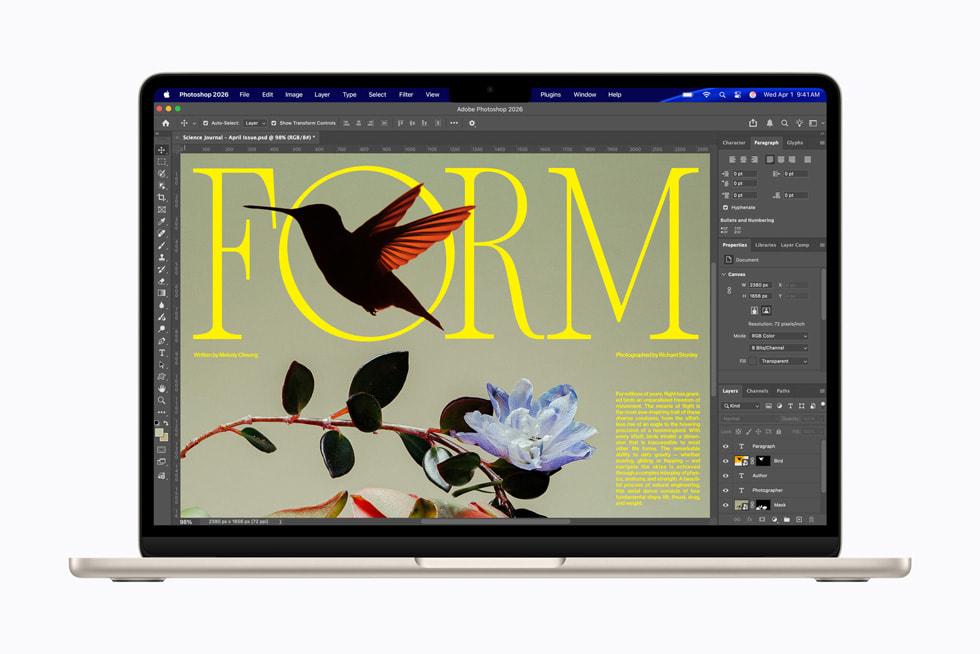
The 13-inch MacBook Air is the easiest recommendation for students who already know macOS works for their course. Apple's UK specifications list the current MacBook Air with an Apple M5 chip, 16GB unified memory, 512GB SSD storage, a 13.6-inch Liquid Retina display, two Thunderbolt 4 ports, MagSafe 3, Wi-Fi 7, and a weight of 1.23kg. Apple quotes up to 15 hours of wireless web use and up to 18 hours of video streaming: Apple UK MacBook Air technical specifications.
For student life, the appeal is quiet operation, strong standby behaviour, a reliable keyboard and trackpad, and enough baseline memory and storage for PDFs, lecture recordings, spreadsheets, and project files. It is sensible for writing-heavy degrees, business study, light coding, and design-adjacent work.
The main caution is course fit. Check whether your department requires Windows-only software, specialist lab drivers, CAD packages, virtualisation tools, or exam lockdown tools. Also think about ports: HDMI, USB-A, Ethernet, SD cards, or multiple external displays may require a hub.
Independent editorial coverage supports its place in the student category. TechRadar's student laptop guide treats Apple laptops as major student options while separating needs by budget, portability, and creative workload: TechRadar student laptop guide.
Microsoft Surface Laptop 13-inch: compact Windows for lectures and seminars
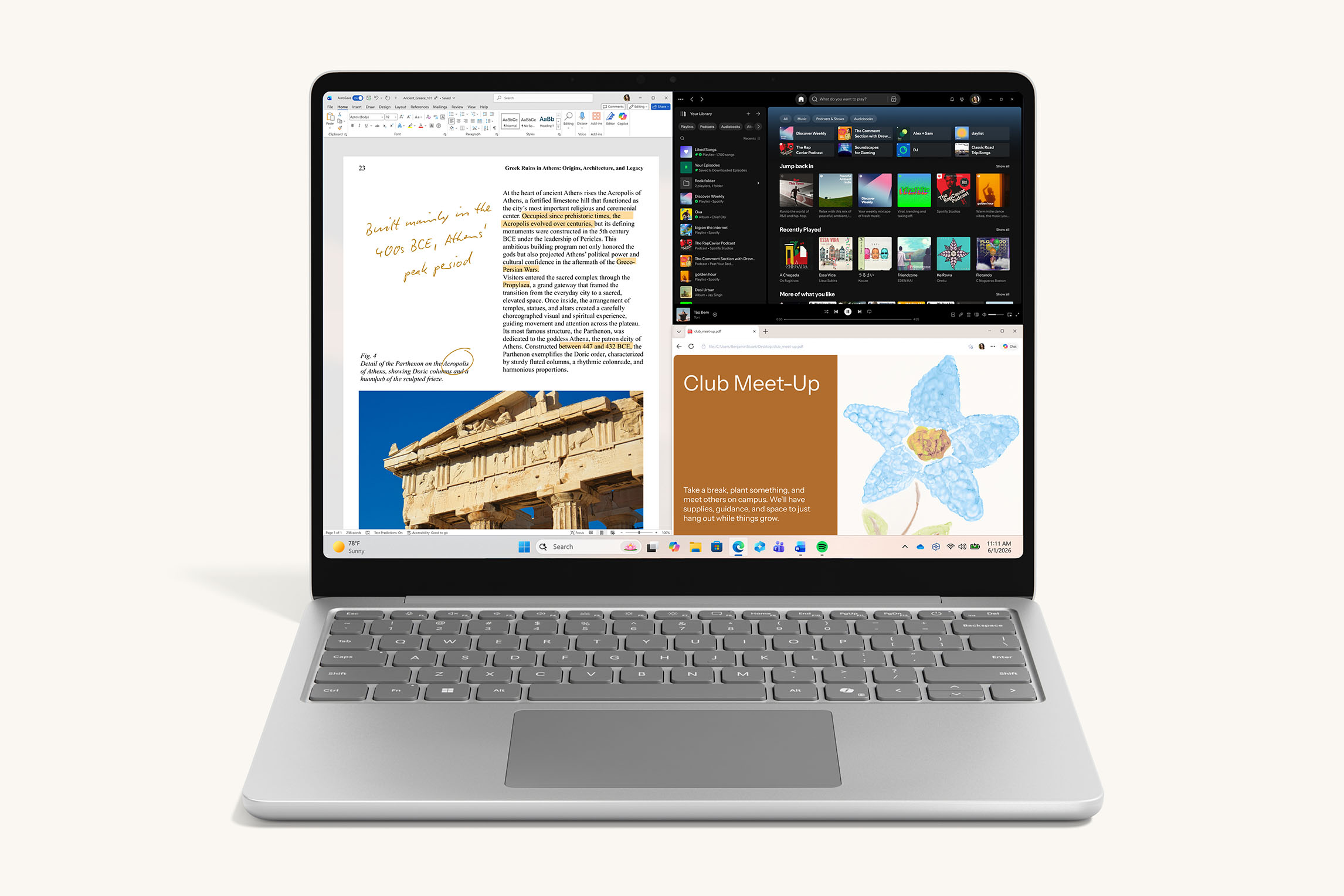
The 13-inch Surface Laptop is a compact Windows option for students who want a premium-feeling laptop without moving to macOS. Microsoft's UK page lists a 13-inch PixelSense LCD touchscreen at 1920 x 1280, a Snapdragon X Plus 8-core processor, USB-C, USB-A, a headphone jack, fingerprint sign-in, and a 2.7lb weight. Microsoft also quotes up to 16 hours of active web browsing: Microsoft UK Surface Laptop.
The 3:2 screen shape helps documents, web pages, spreadsheets, and learning platforms because it gives more vertical space than a typical 16:9 panel. USB-A still matters for older lab equipment, memory sticks, presentation clickers, cheap peripherals, and halls-room accessories.
The caution is processor architecture. Snapdragon-based Windows laptops can be efficient for daily productivity, but some legacy apps, drivers, plugins, and specialist utilities may behave differently from Intel or AMD machines. The Verge's launch coverage noted the Snapdragon X Plus platform and 16GB RAM baseline: The Verge Surface Laptop 13-inch coverage. Check your university software list before buying.
ASUS Zenbook A14 UX3407: light Windows laptop for commuters
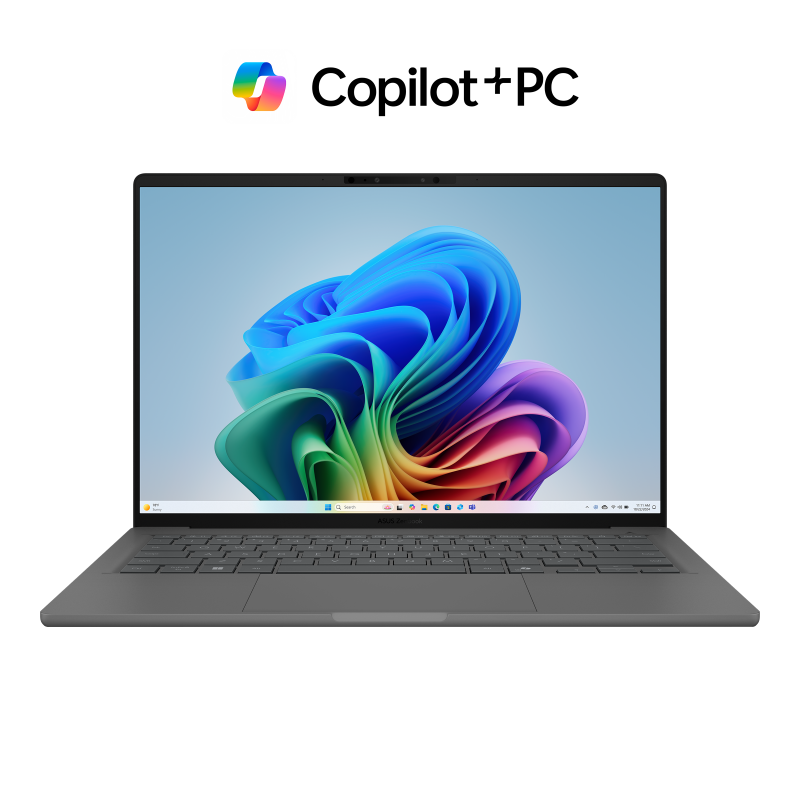
The ASUS Zenbook A14 UX3407 is the shortlist pick for students who care most about carry weight and battery headroom. ASUS UK's specifications list configurations with Snapdragon X, Snapdragon X Elite, and Snapdragon X2 Elite processors, a 14-inch 1920 x 1200 OLED display, up to 32GB LPDDR5X memory, 1TB PCIe 4.0 SSD storage, USB4, USB-A, HDMI, a 70Wh battery, and a weight around 0.98-0.99kg depending on model: ASUS UK Zenbook A14 specifications.
That is a rare student mix: a full-size 14-inch screen, very low carry weight, and ports that reduce dongle dependence. HDMI can save a presentation when a seminar room has an older display setup. USB-A can still matter for lab accessories and borrowed peripherals.
The OLED display is attractive for reading, media, and creative work, though students in bright lecture rooms should still consider reflections, brightness, and long static document sessions. OLED should not be the only reason to buy the laptop.
Independent reviewers have focused on the A14's portability and battery strength. WIRED described it as unusually light with strong battery life, while noting performance limits on Snapdragon configurations: WIRED ASUS Zenbook A14 review. TechRadar's UK review also praised portability while cautioning that pricing and workload fit matter: TechRadar ASUS Zenbook A14 review.
Acer Chromebook Plus Spin 514: the cloud-first student option
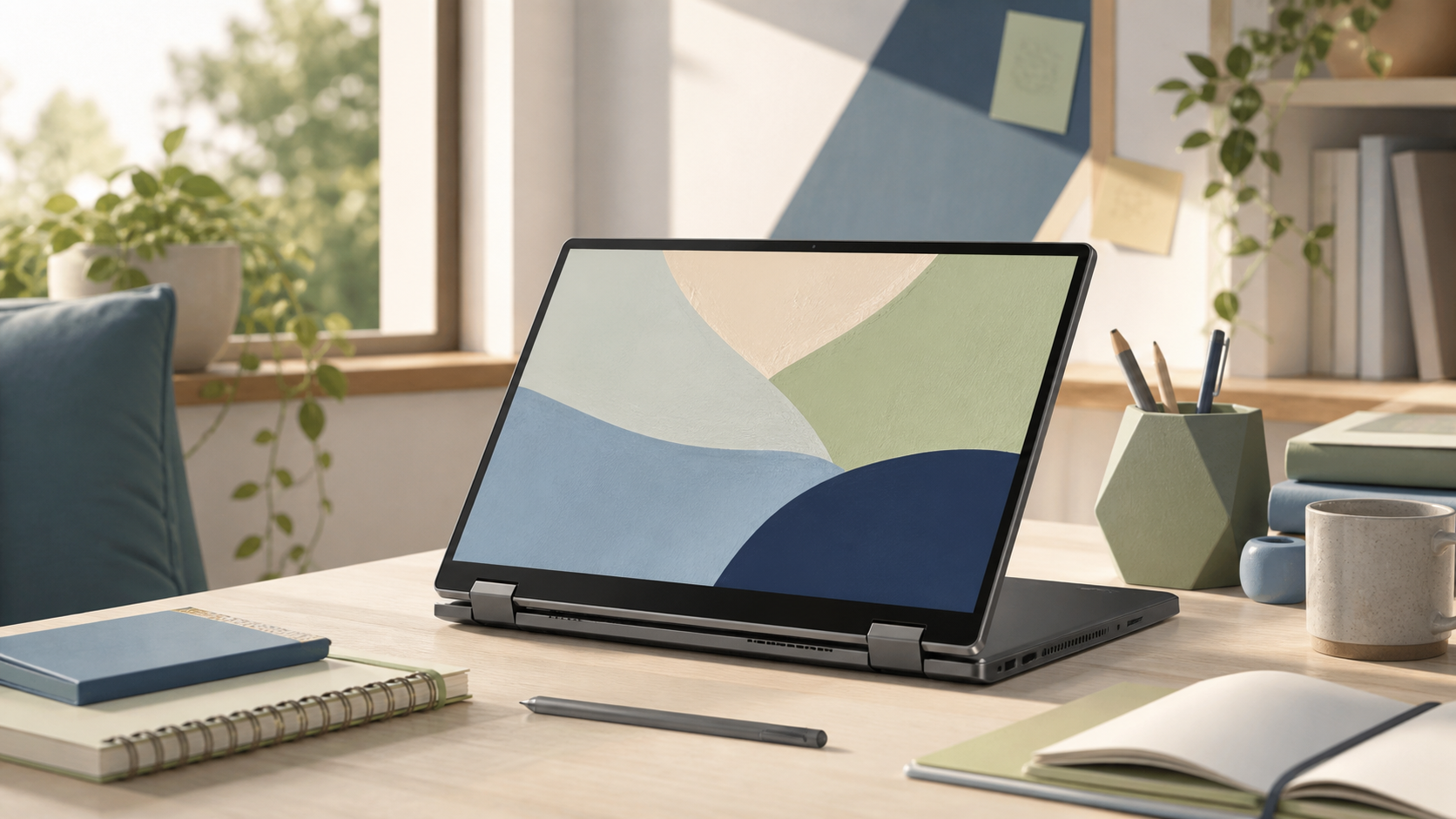
A Chromebook should not be treated as a cut-price Windows laptop. Acer UK's Chromebook Plus Spin 514 page lists a MediaTek Kompanio Ultra 910 processor, 14-inch touchscreen options up to WQXGA+ 2.8K, 12GB or 16GB memory, DTS audio, Wi-Fi 7, USB-C and USB-A ports, a durable design, and up to 17 hours of battery life based on Acer's stated conditions: Acer UK Chromebook Plus Spin 514.
This is sensible if your work is Google Docs, Microsoft 365 web apps, Moodle, Canvas, Blackboard, email, browser research, video calls, PDF annotation, and cloud storage. The 2-in-1 hinge can help in cramped spaces, and the Chromebook Plus specification gives more breathing room than older low-end Chromebooks.
The drawback is software scope. ChromeOS is poor value if your course needs full desktop Adobe apps, Windows lab tools, advanced local development, specialist plugins, or exam software that only supports Windows or macOS. The Verge's review praised performance and battery potential but noted compromises around speakers and missing features at its price: The Verge Acer Chromebook Plus Spin 514 review.
What specs matter most for a UK student laptop?
Memory matters more than many students expect. For Windows and macOS in 2026, 16GB should be the comfortable target if budget allows. It gives more room for browser tabs, Teams or Zoom, Office apps, PDF readers, reference managers, cloud sync, music, and background security tools. For Chromebooks, 8GB can still work, but 12GB or 16GB is better if you keep many tabs open or expect to keep the laptop for a full course.
Storage is the second trap. A 256GB SSD can work for cloud-first users, but 512GB is a better baseline for a laptop you want to keep across multiple academic years. Creative students, programmers, photographers, musicians, and anyone using local datasets should consider 1TB if budget allows. If you are unsure, read our RAM capacity guide before paying for the wrong upgrade.
Ports still matter. USB-C charging is now expected, but at least one USB-A or HDMI port can save money and stress. If you choose a laptop with only USB-C, budget for a reliable hub and check display, charging, and monitor support. Our USB-C vs Thunderbolt dock guide explains that compatibility problem in more detail.
Screen and keyboard quality are harder to judge from a spec sheet. A 13-inch laptop is easier to carry, but a 14-inch or 15-inch screen may be better for side-by-side documents. A tall 3:2 or 16:10 display is usually better for writing and research than an older 16:9 panel. If you plan to use an external monitor, compare panel tradeoffs in our OLED vs IPS monitor guide.
Which operating system should students choose?
Choose macOS if your course supports it, you already use an iPhone or iPad, and you value battery life, standby reliability, and strong built-in apps. Choose Windows if your department lists Windows software, if you need compatibility with peripherals and lab tools, or if you are unsure. Choose ChromeOS if your course is genuinely browser-first and you want a lower-maintenance machine.
For adjacent decisions, use PKH Computing's repairable laptops guide, Framework Laptop review, deals timing guide, and versus hub. You can also read more about who we are on About PKH Computing.
Common buying mistakes to avoid
Do not buy a gaming laptop just because it looks powerful. Unless your course or hobby needs the GPU, you are accepting more weight, fan noise, heat, and charger bulk than most students need. Do not assume every cheap laptop is good value either: a low price can hide 4GB memory, poor screens, weak keyboards, short support windows, slow storage, or a charger that is awkward to replace.
Do not ignore warranty and accidental damage risk. Check retailer return windows, manufacturer warranty, education discounts, repair routes, and the likely cost of a cracked screen before you buy. For students who want a machine designed around repair access and longer ownership, our repairable laptops guide is the next place to read.
Do not buy before checking your course requirements. If the department specifies operating system, RAM, storage, webcam, processor architecture, or software platform, follow that guidance first. A laptop that looks ideal for general study can still be wrong for one module.
FAQ
What is the best student laptop in the UK for 2026?
For students who know macOS is suitable, the Apple MacBook Air 13-inch M5 is the safest premium pick because it balances battery life, weight, keyboard quality, and long usable life. For Windows-first courses, start with the Surface Laptop or Zenbook A14, then check Snapdragon compatibility.
Is 8GB RAM enough for a student laptop?
It can be enough for a Chromebook or very light Windows use, but 16GB is the better 2026 target for Windows and macOS. Students often run a browser, Teams, Office, PDFs, cloud sync, reference tools, and music at once.
Should students buy a Chromebook instead of a Windows laptop?
A Chromebook is a good choice only if your course is browser-first. It suits Google Workspace, web research, learning platforms, email, and light document work. It is the wrong choice for full desktop apps, CAD, specialist plugins, local development environments, or unsupported exam software.
How much storage does a student laptop need?
512GB is the sensible baseline for most Windows and macOS students. A 256GB laptop can work with heavy cloud storage, but it leaves less room for recordings, project files, apps, photos, and offline work.
Are Snapdragon Windows laptops safe for university?
They can be excellent for battery life and portability, but software compatibility must be checked. Microsoft 365, browsers, and many mainstream apps are usually fine. Specialist drivers, older utilities, virtualisation tools, and course-specific Windows software may need Intel or AMD hardware.
When should students wait for a sale?
Wait if your current laptop still works and term start is not close. UK laptop pricing often changes around education offers, back-to-school periods, Black Friday, Cyber Monday, and January clearance. Do not wait if you need setup time before classes begin or your course requires the laptop immediately.
Bottom line
If macOS fits your course, the MacBook Air M5 is the cleanest all-round choice. If Windows compatibility is the priority, the Surface Laptop and Zenbook A14 deserve a close look, with the extra step of checking Windows-on-Arm support. If your degree lives in the browser, the Acer Chromebook Plus Spin 514 can be a lower-maintenance route. Start with software fit, then choose the lightest, longest-lasting laptop that meets your real workload.
PKH Computing keeps commercial links separate from editorial judgment. See our editorial policy for how we handle evidence, affiliate disclosure, and buying recommendations.
Sources
- Apple UK MacBook Air technical specifications
- Microsoft UK Surface Laptop
- ASUS UK Zenbook A14 specifications
- Acer UK Chromebook Plus Spin 514
- TechRadar student laptop guide
- The Verge Surface Laptop 13-inch coverage
- WIRED ASUS Zenbook A14 review
- TechRadar ASUS Zenbook A14 review
- The Verge Acer Chromebook Plus Spin 514 review