Framework Laptop Review: Repairability, Upgrades and Long-Term Value
A normal laptop buying decision ends at checkout: choose the processor, accept the ports, and hope the battery still feels usable in three years. Framework asks a different question: what if the laptop were closer to a desktop, with parts you can replace, ports you can rearrange, and major upgrades that do not require throwing away the whole machine?
That promise is real, but it is not magic. Framework's current range includes the compact Framework Laptop 12, the mainstream Framework Laptop 13, the small Framework Desktop, and the larger Framework Laptop 16. They are unusually repairable and well documented, but still compete on performance, battery life, display quality, acoustics, warranty coverage, and price.
PKH Computing has not performed first-hand lab testing or teardown work on these systems. This review uses official Framework specifications, Framework repair and warranty documents, iFixit repair evidence, and independent reviews from WIRED and The Verge. Our disclosure and evidence rules are explained on /about/ and /editorial-policy/.
Framework Laptop review: the short verdict
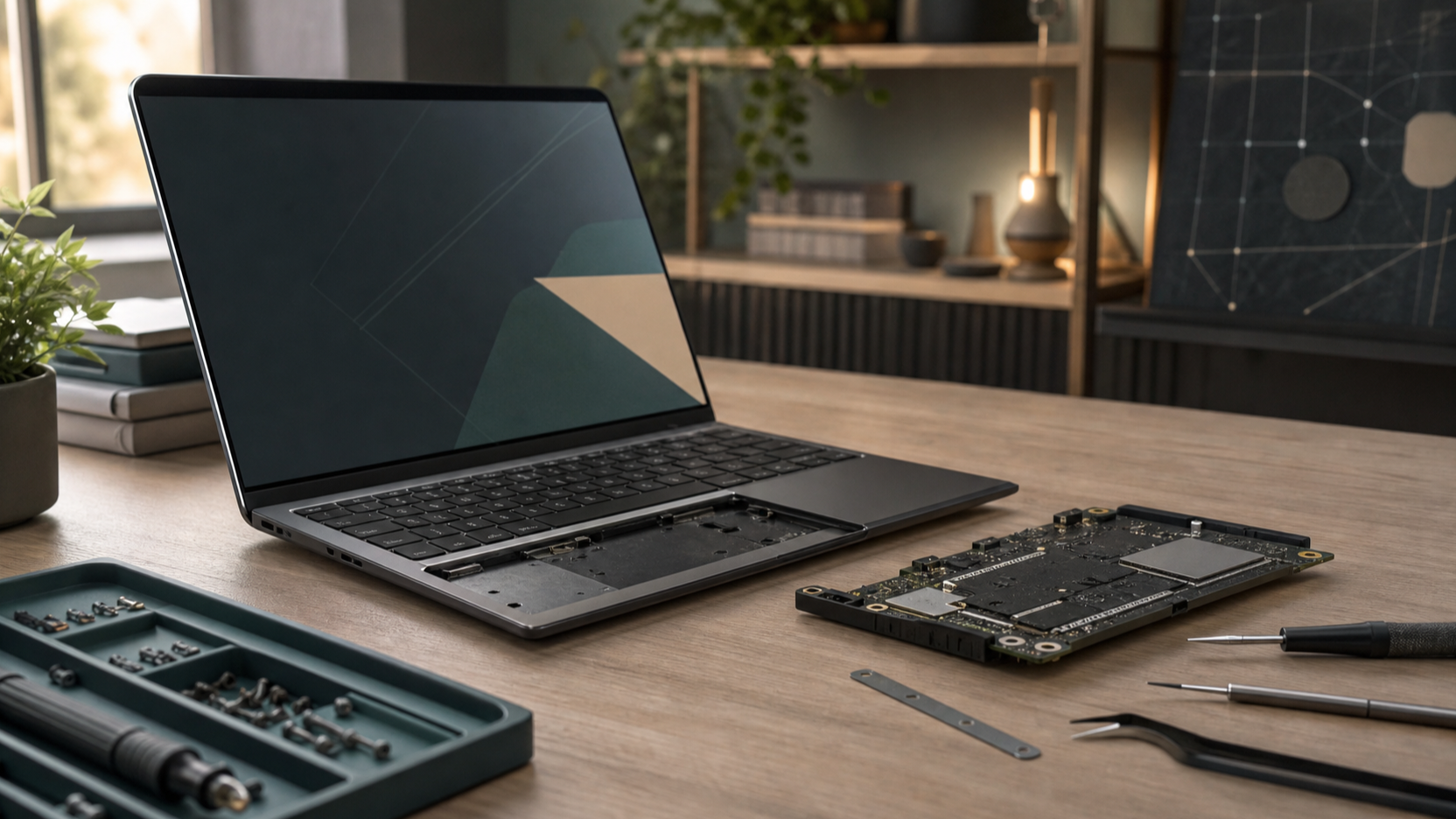
Framework is the clearest brand to consider if repairability and long ownership are primary buying reasons. The company sells replacement parts, publishes repair guides, supports swappable Expansion Cards, and has kept the Laptop 13 upgrade path alive across several processor generations.
The practical verdict is narrower: buy Framework if you expect to replace a battery, upgrade storage, change ports, repair wear parts, or keep the chassis through a future mainboard upgrade. Do not buy it only because it sounds sustainable. If you want the longest battery life per pound, the most polished display and speakers, or the cheapest performance today, several sealed mainstream laptops still look stronger.
What Framework sells now
| Model | Best fit | Repair and upgrade angle | Main caution |
|---|---|---|---|
| Framework Laptop 12 | Students, family use, compact 2-in-1 buyers | Touchscreen convertible with upgradeable RAM, storage, Wi-Fi, battery and Expansion Cards | Modest performance and a small glossy display |
| Framework Laptop 13 | Most repairability-first laptop buyers | Replaceable mainboard, battery, screen, keyboard, RAM, SSD and ports | Higher price than sealed ultraportables with similar speed |
| Framework Desktop | Small-form-factor PC and local AI buyers | Compact 4.5L build with replaceable SSDs, fan, ports and standard PC parts | LPDDR5x memory is not removable or upgradeable |
| Framework Laptop 16 | Modular performance and GPU-upgrade buyers | Expansion Bay GPU, dual SO-DIMM memory, two M.2 slots, six Expansion Card slots | Expensive, large, and less polished than fixed-design rivals |
Repairability is Framework's real advantage
Framework's repairability story has three parts: the hardware opens without unusual drama, Framework maintains guides and a Marketplace for parts, and upgrades are treated as normal product features rather than repair exceptions. The official Laptop 13 page presents the notebook as simple to customize, upgrade and repair.
The warranty language matters. Framework says branded products, parts and modules are generally covered for one year from delivery unless an order specifies otherwise. It may provide replacement parts and guides for self-service, but excludes damage from repairs outside Framework-published guides or from uncertified third-party parts.
iFixit support strengthens the claim. The iFixit Framework Laptop 16 page describes repair and disassembly information for a highly repairable 16-inch laptop series, links to model-specific pages, and points readers to schematics and Framework GitHub resources. WIRED's Framework Laptop 12 review also highlights the 12-inch model's unusually strong repairability evidence.
The buyer responsibility is real. A repairable machine is most valuable when you are willing to use the documentation, order parts, and keep track of compatibility. If every repair will go through a shop or corporate IT desk, the benefit remains useful, but less direct.
Framework Laptop 12: the accessible repairable 2-in-1
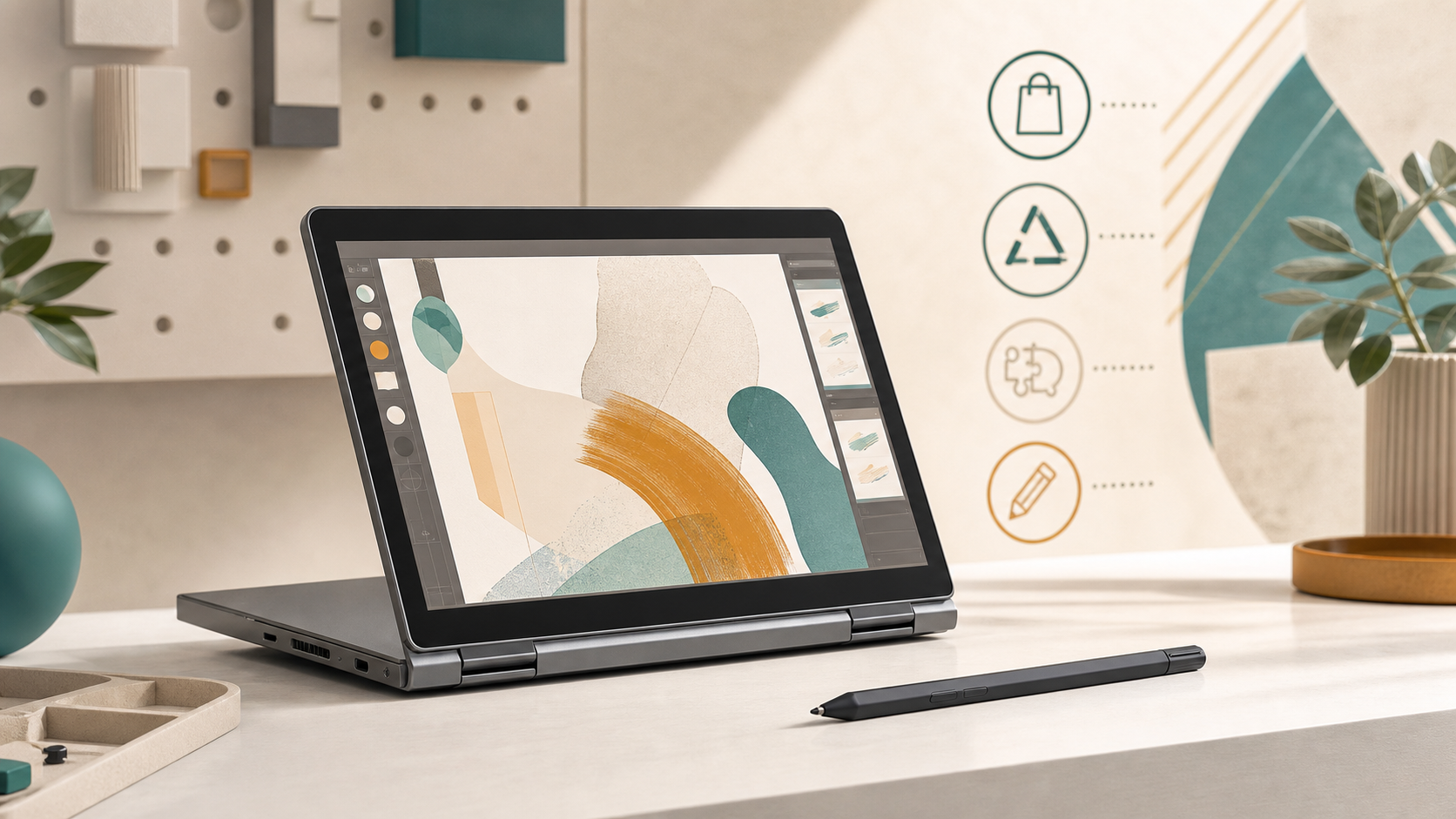
The Framework Laptop 12 is the entry point. Officially, it is a 12.2-inch convertible with a 360-degree hinge, touchscreen and stylus support. Framework lists 13th Gen Intel Core i3 and i5 processors, upgradeable DDR5 memory up to 48GB, M.2 2230 NVMe storage up to 2TB, Wi-Fi 6E with an upgradeable Intel AX211 card, a 1080p webcam, hardware privacy switches, and Expansion Cards.
Its purpose is not workstation performance. The Laptop 12 is better understood as a repairable family, school or travel computer. The official page emphasizes durability, including a shock-absorbing chassis and MIL-STD-810 claims, while WIRED frames it as a budget-friendly machine with unusually strong serviceability.
The tradeoffs are visible. WIRED liked the keyboard, touchpad and upgrade access, but criticized the large bezels, thickness for the screen size, and slower performance compared with some similarly priced mainstream laptops. Buy it if the repairable teaching-tool angle matters. Skip it if you want a thin premium ultraportable or heavy multitasking performance.
Framework Laptop 13: the default Framework recommendation
The Framework Laptop 13 is the clearest recommendation for most buyers considering the brand. Framework's current Laptop 13 page positions it as a 13.5-inch notebook that can be customized, upgraded and repaired. The AMD Ryzen AI 300 version supports up to 96GB of DDR5 memory, standard M.2 SSDs up to 8TB, a 61Wh battery rated for 80% capacity after 1,000 cycles, four Expansion Card slots, and 3:2 matte display options.
That is the sweet spot: portable enough for everyday work, yet repairable enough to separate itself from mainstream ultrabooks. A student can run USB-A and HDMI for classrooms, a home-office user can add Ethernet, and a traveler can keep the sides minimal.
The Verge's 2025 Framework Laptop 13 review praised the mature modular platform, replacement parts, port selection and CPU improvement, but criticized integrated GPU performance, trackpad feel, display contrast and color quality, and price pressure from less repairable laptops. That is the bargain: you give up some polish and headline value to buy a chassis with a future.
Framework Desktop: modular, but not the same kind of upgradeable
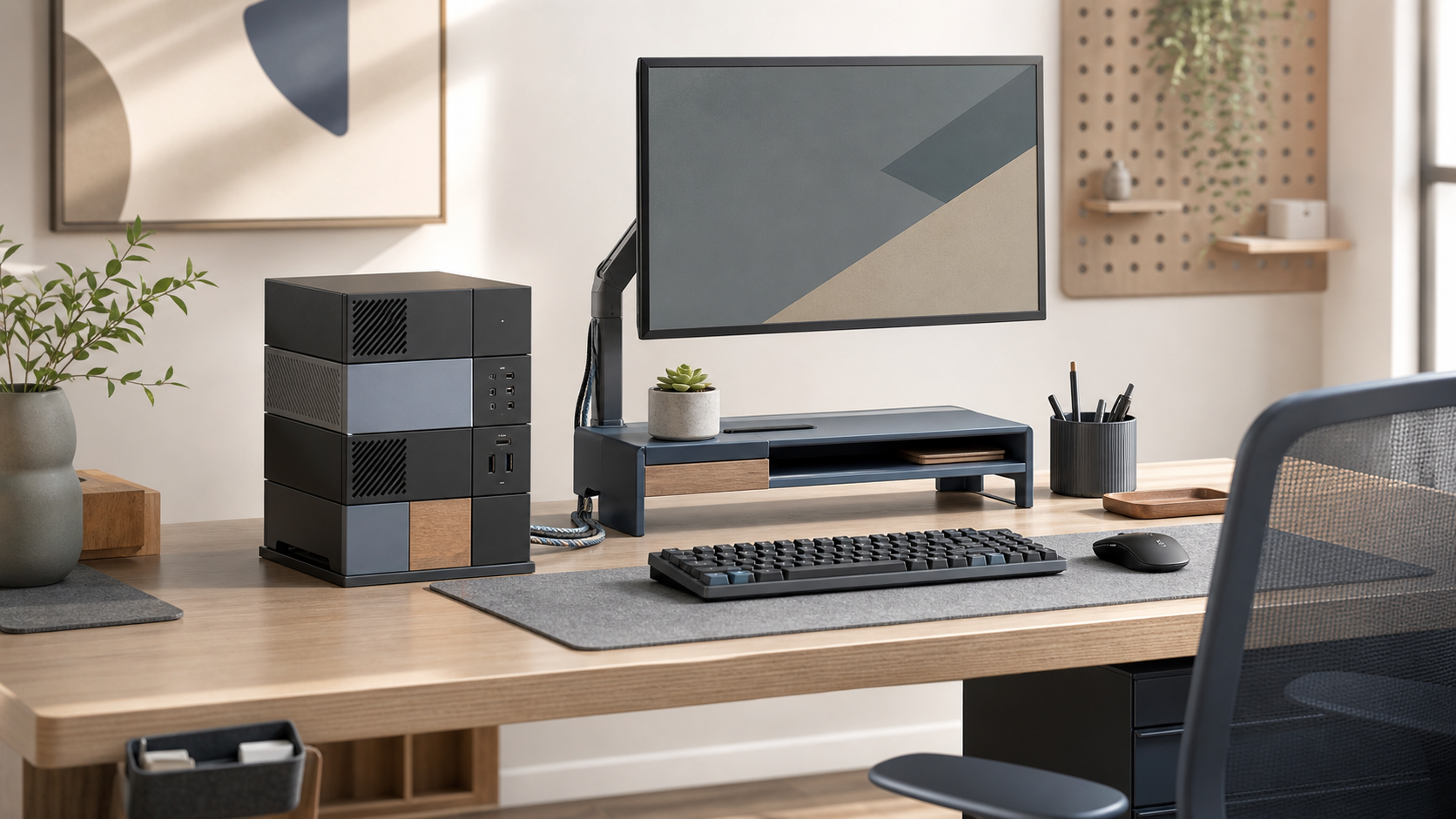
The Framework Desktop extends the same philosophy into a tiny 4.5L PC. Official specs list AMD Ryzen AI Max 385 or Max+ 395 options, Radeon 8050S or 8060S graphics, Wi-Fi 7, 5Gbit Ethernet, and 32GB, 64GB or 128GB of LPDDR5x-8000 memory. Framework also highlights a Mini-ITX mainboard form factor, FlexATX power supply, 120mm CPU fan options, M.2 storage, front Expansion Cards, and a customizable tile front panel.
This product needs a different value lens. Desktops are already easier to repair than laptops, so Framework's advantage is not simply that it opens. The appeal is accessibility in a compact enclosure, the reusable Expansion Card ecosystem, strong integrated graphics for its size, and high memory configurations for local model experimentation.
The limitation is memory. WIRED's Framework Desktop review praised the footprint, performance for size, RAM capacity, expandable ports and customization, but flagged that RAM is not removable or upgradeable. Buy it when you want a small, serviceable, distinctive PC and can choose memory correctly up front. Do not treat it as a normal tower with endless GPU and RAM expansion.
Framework Laptop 16: modular performance with real penalties
The Framework Laptop 16 is the most ambitious product in the lineup. Framework lists an upgradeable mainboard, swappable Graphics Module, dual DDR5 SO-DIMM slots, two M.2 storage slots, six Expansion Card slots, hot-swappable input modules, an 85Wh replaceable battery, Wi-Fi 7 on the newer platform, and a 2560x1600 display with up to 165Hz variable refresh rate.
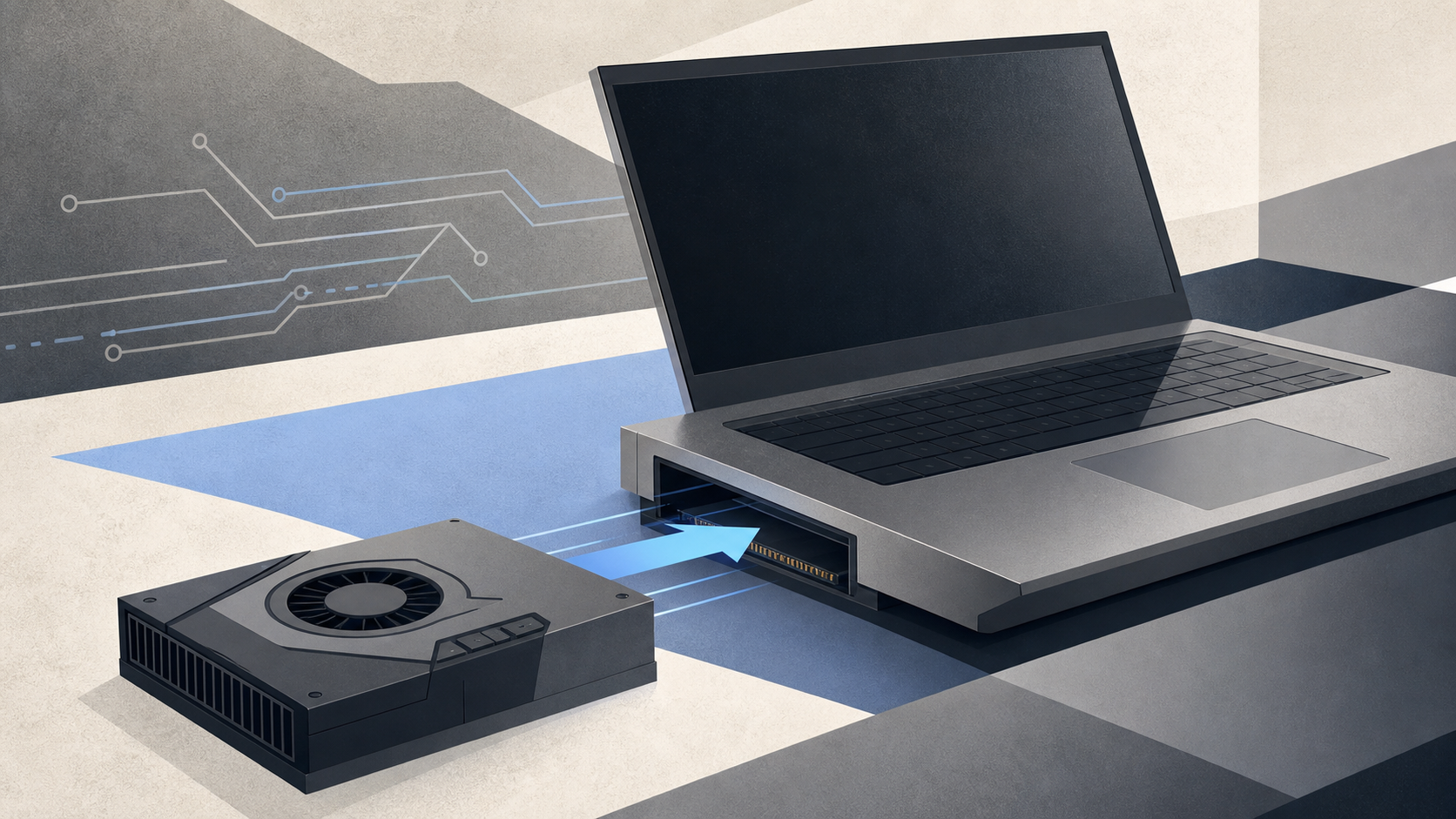
The headline is the Expansion Bay. Framework offers discrete graphics paths including Nvidia GeForce RTX 5070 and AMD Radeon RX 7700S options, and says the GPU can be swapped with the included tool. That is rare in laptops and important for buyers who dislike replacing a whole machine because the GPU aged faster than the CPU, screen or keyboard.
The penalty is cost and complexity. The Verge's 2025 Framework Laptop 16 review praised repairability, customization and the gaming uplift from RTX 5070, but reported crashes during review, lid flex, uneven spacers, erratic auto-brightness and a high cost for the full upgrade path. It suits developers, Linux users, creators and modular hardware enthusiasts who can justify the size. It is not the default office or student laptop.
Modularity does not erase normal laptop tradeoffs
Framework's modularity solves repair and upgrade access. It does not automatically solve performance, acoustics, display quality or battery life. The Laptop 13 with Ryzen AI 300 is quick enough for productivity and light creative work, but The Verge found its integrated GPU weaker than some alternatives. The Laptop 12 uses older 13th Gen Intel U-series chips, which makes more sense for everyday tasks than demanding workloads.
Battery life also varies. The Laptop 13 has a 61Wh pack and can cover a normal workday in some independent testing, but efficient sealed designs from Apple, Qualcomm and some Intel/AMD competitors can last longer. The Laptop 16 has a larger 85Wh battery, yet discrete graphics and a bigger screen change the equation. The Desktop avoids battery concerns but introduces fan and desk-space considerations.
Display quality is mixed. Framework offers useful aspect ratios and high-resolution options, especially the 13.5-inch 3:2 Laptop 13 screen and the Laptop 16's 2560x1600 high-refresh panel. Still, independent reviewers have criticized color and contrast on some configurations. If color-critical work is central, compare against specialist displays and our OLED vs IPS monitors guide before assuming the laptop panel is enough.
Price, warranty and long-term value
Framework's value case is strongest over several years, not on day one. A sealed laptop may offer better performance, display or battery life at the same checkout price. Framework fights back by letting you replace the part that fails or upgrade the part that ages.
That means the practical buyer should budget differently. Do not just price the base laptop. Price the memory, storage, Expansion Cards, OS license, warranty expectations, spare charger, and likely future parts. Framework can be cheaper over five years if you perform one or two meaningful upgrades instead of replacing the whole machine. It can be expensive if you buy into the ecosystem but never use its repair path.
Who should buy Framework?
Buy the Framework Laptop 13 if you want one repairable laptop recommendation. It is the most balanced expression of the brand: portable, upgradeable, well documented, and mature enough to trust more than an experimental first-generation concept.
Buy the Framework Laptop 12 if you want a compact repairable 2-in-1 for study, family use, travel notes or learning how PCs fit together. Buy the Framework Desktop if you want a tiny, distinctive PC for desk work, local AI experimentation, light gaming or Linux tinkering, and can choose memory correctly at purchase. Buy the Framework Laptop 16 if modular performance matters enough to justify the cost, size and platform quirks.
For adjacent buying decisions, compare this review with our best repairable laptops for longer ownership, best student laptops in the UK, RAM capacity guide, USB-C vs Thunderbolt dock guide, Wi-Fi 7 vs Wi-Fi 6E comparison, and NVMe SSD upgrade guide.
FAQ
Is Framework actually more repairable than a normal laptop?
Yes, in the areas that usually matter: battery, storage, memory on the laptop models, display, keyboard, ports, mainboard access, and public repair guides. The exact scope depends on the model. The Desktop is repairable and accessible, but its LPDDR5x memory is not upgradeable.
Which Framework Laptop should most people buy?
Most repairability-first buyers should start with the Framework Laptop 13. It has the strongest balance of portability, upgrade path, parts ecosystem and everyday usability. The Laptop 12 is cheaper and more playful, while the Laptop 16 is more specialized and expensive.
Is the Framework Laptop 12 good for students?
It can be, especially for students or families who value repairability, a durable 2-in-1 design and upgradeable memory or storage. The tradeoff is that performance and screen quality are not class-leading. Course software, budget and battery expectations still matter.
Can you upgrade a Framework Laptop like a desktop PC?
Partly. You can replace more than on most laptops, including memory, storage, ports and, on supported models, mainboards. The Laptop 16 goes further with its Graphics Module. It is still a laptop, so thermals, display, battery and chassis constraints remain.
Is Framework better value than a MacBook Air?
Not on simple performance-per-pound or battery life. A MacBook Air can be faster, quieter and longer-lasting on battery for many users. Framework's value is repairability, port choice, upgrade scope and long-term parts access. Those advantages matter only if you want them.
Does opening or repairing a Framework void the warranty?
Framework is designed for user service, but warranty coverage still has rules. Framework's warranty excludes damage caused by repairs that do not follow its published repair guides and damage caused by uncertified third-party parts. Follow the official guide and keep parts records.
Should I wait for future Framework upgrades?
Wait only if a known current limitation blocks your work, such as needing a specific GPU, display, or battery improvement. Otherwise, buy the configuration you would be happy using now. The upgrade path is a benefit, not a guarantee that every future part will solve today's compromise.
Bottom line
Framework is the most credible repairability-first PC brand because its hardware, guides, parts store and upgrade philosophy point in the same direction. The Laptop 13 is the easiest recommendation, the Laptop 12 makes the idea more accessible, the Desktop brings the philosophy to compact PCs, and the Laptop 16 proves modular performance is possible.
The honest tradeoff is that repairability costs money, space and sometimes polish. If you will never open the machine, Framework may not be the right value. If you want a computer you can keep, adapt and repair, it is one of the few brands building around that decision from the start.
Image credits
Product images are sourced from official Framework product pages: Framework Laptop 13 from https://frame.work/laptop13, Framework Laptop 12 from https://frame.work/laptop12, Framework Desktop from https://frame.work/desktop, and Framework Laptop 16 from https://frame.work/laptop16.
Sources
- Framework Laptop 12 official page
- Framework Laptop 13 official page
- Framework Desktop official page
- Framework Laptop 16 official page
- Framework warranty
- iFixit Framework Laptop 16 repair page
- The Verge Framework Laptop 13 review
- The Verge Framework Laptop 16 review
- WIRED Framework Laptop 12 review
- WIRED Framework Desktop review